Follow and verify other nodes, view their profiles, and control who you see.
Contacts - node.you
This guide explains what contacts are, how to add them, and how to control who you see.
What are contacts?
In node.you, contacts are others that you follow and/or verify.
 Follow someone to.. Follow someone to.. |
 Verify them to.. Verify them to.. |
|---|---|
|
|
The two are independent: you can follow without verifying, verify without following, or both.
Adding a new contact
Open your node and select Contacts, then select Add contact at the bottom.
Enter the node URL of the user you would like to add.
If the user you're adding hosts with node.you, then you aren't required to include
.node.youin your search.
When their node appears, select Add. This leads to a confirmation view where you can:
- provide a name for the contact, and
- decide whether to follow and/or verify them (both are on by default).
Then select Add again to confirm the new contact.

Scanning codes
On Android, the Scan code drawer on your node's sidebar scans another user's node QR code with your camera and takes you straight to the add-contact confirmation.

Your own code is just as easy to share: your node's sidebar shows your QR code, and it is always online at your code URL (yourname.node.you/code). See the nodes and keys guide for more.
Contact details
Select any contact to open its details panel. From there you can toggle Verified and Following, edit the contact's name, open their profile, and remove the contact.
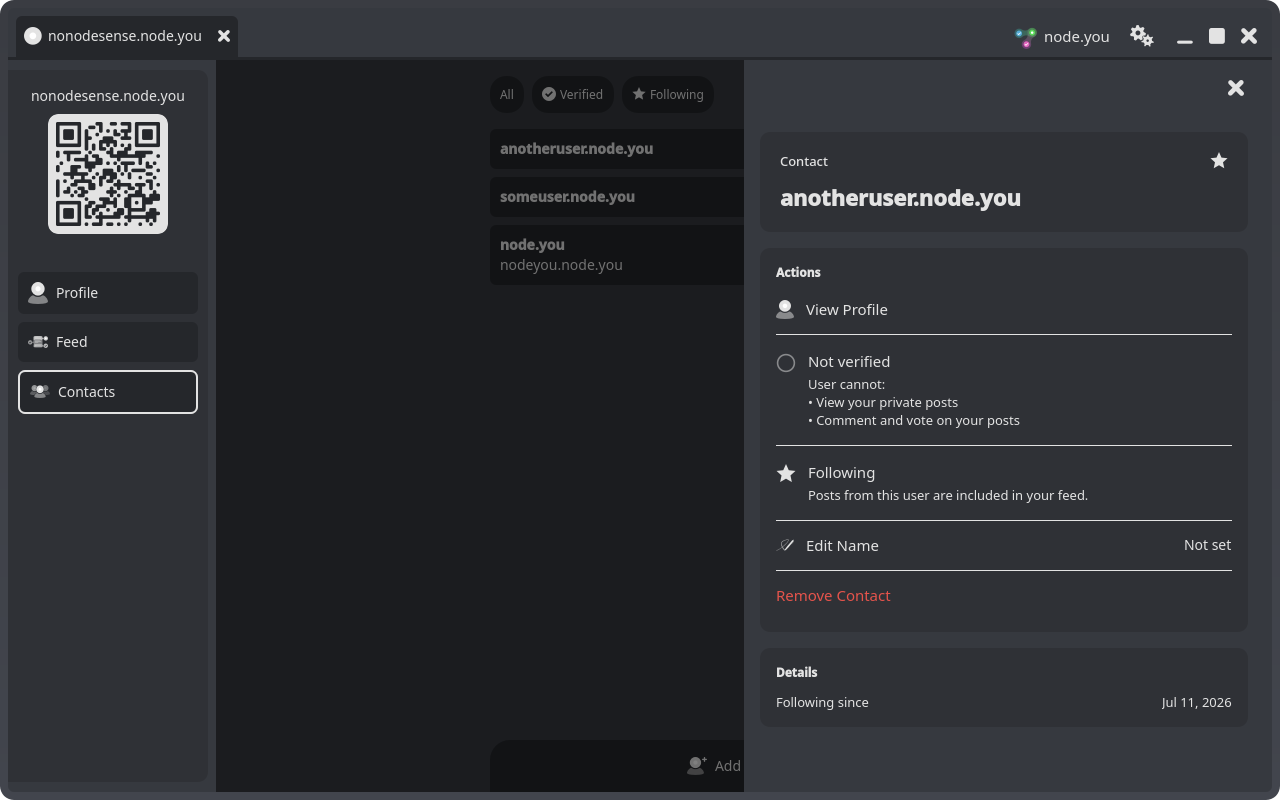
Remove Contactacts immediately, without a confirmation step.
Viewing profiles
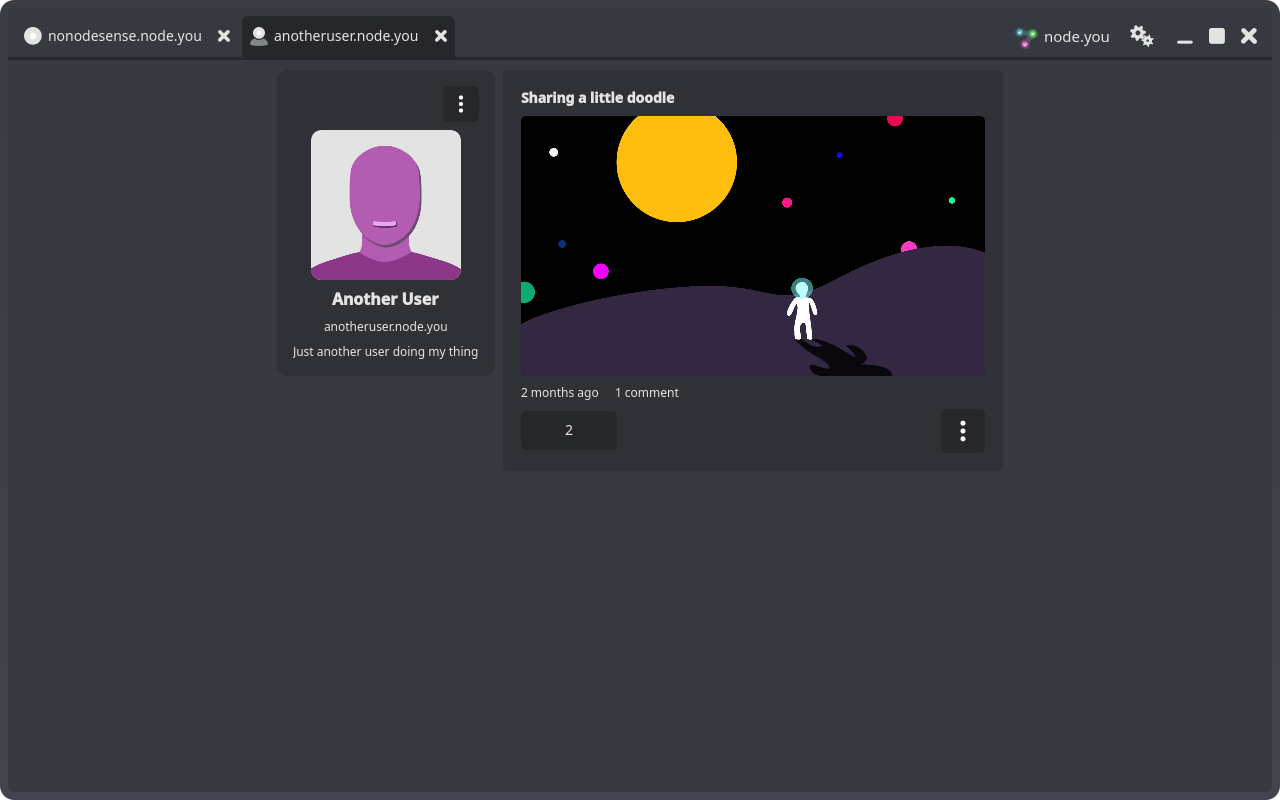
Select View Profile on a contact (or on an add-contact search result) to open their profile in its own tab: their bio, their posts, and each post's comment thread. If they have verified you, you also see their private posts and can comment and vote.
Blocking a node
If you never want to see someone again, open their profile and select Block this node from the options menu (the ⋮ button) in the sidebar.
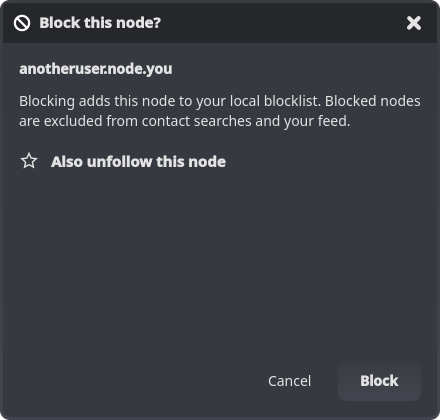
Blocking adds the node to your local blocklist: blocked nodes are excluded from contact searches and from your feed. The dialog also offers to unverify and unfollow the node at the same time (both on by default).
You can review and unblock nodes under Settings, in the App tab's Blocked Nodes section.
The blocklist is stored on your device, per account. Unblocking a node does not restore any verify or follow relationship you removed when blocking.
If the problem is the content itself, consider reporting it too; see the feed guide.
What next?
Now that you have contacts, view your feed or launch a profile so they have something to follow.