Follow the documentation lifecycle: declare a version, build it, publish it, and trash it back to pending.
Versions Guide - Docuriser
A project's documentation publishes per version, and versions come from your repository's git tags. You include a version, build it (snapshotting API reference pages, topics, README, and license from the tag), and the site publishes each built bundle under its version number, with a switcher between them. This guide covers the lifecycle: tag, include, build, publish.
Where versions come from
Docuriser reads the plain X.Y.Z tags of the project's repository (the build.source_path checkout). Tags group by their major.minor, and each minor is one version: the site shows 2.1, built from the minor's latest patch tag (2.1.3 today, 2.1.4 tomorrow). Superseded patches never appear anywhere, and site URLs stay stable because every patch of 2.1 builds into the same versions/2.1/ directory.
The project configurator's Versions panel lists every version the tags, the config, and the filesystem know about:
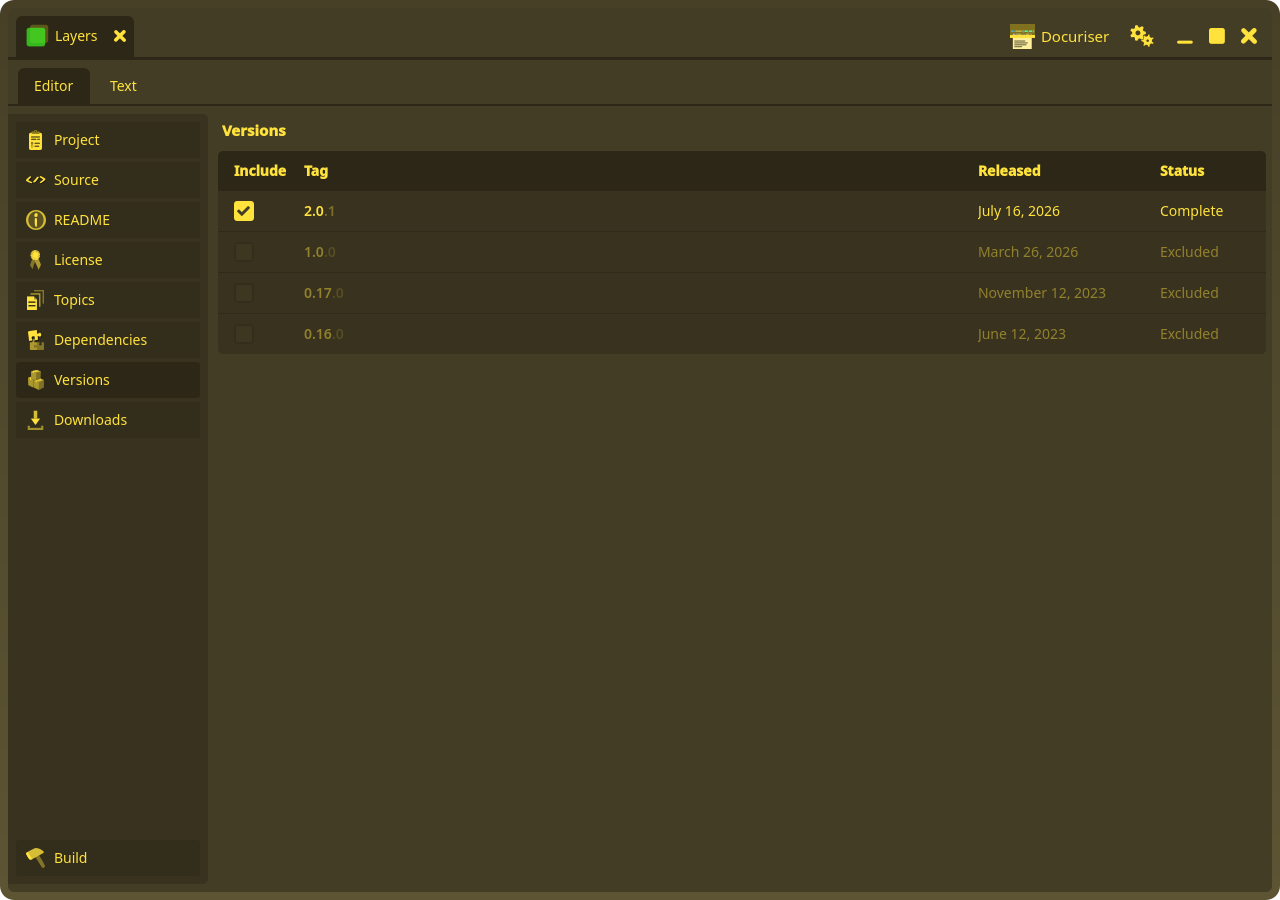
Each row shows the Include checkbox, the version's tag (the minor bright, the patch suffix dimmed: it is superseded detail), the release date (the tag's date), and a status:
- New: a tag exists but you haven't decided anything yet. New versions never publish themselves; including one is a deliberate click.
- Excluded: you unchecked it, and the decision is recorded (in
versions_excluded) so the tag stops surfacing as New. Excluded rows render dimmed. - Pending: included, but the published output is missing or a newer patch tag has landed since it was built. Pending versions are what the Build panel builds.
- Complete: the built output matches the minor's latest patch tag.
- No Tag: declared in config but no matching tag exists (a legacy or hand-edited entry); there is nothing to build from.
Only local tags count: fetch before you refresh if the release was tagged elsewhere. Anything that isn't a plain X.Y.Z tag is ignored (the advanced log counts them).
Including a version
Check Include on a row to declare that version: the config gains a versions[] entry with the tag's date. If the project has a fact labeled License (say MIT), the new entry is seeded with that display name, so the version keeps recording what it shipped as even if the fact changes later. The license text comes from the source tree at build time (the manifest's build.license; see the projects guide), nothing to wire here.
Unchecking a row excludes the version. If it was built, Docuriser confirms first and deletes its versions/<label>/ output along with the declaration; re-checking Include declares it again.
Building
The Build panel has one button, and it tells you what it will do:
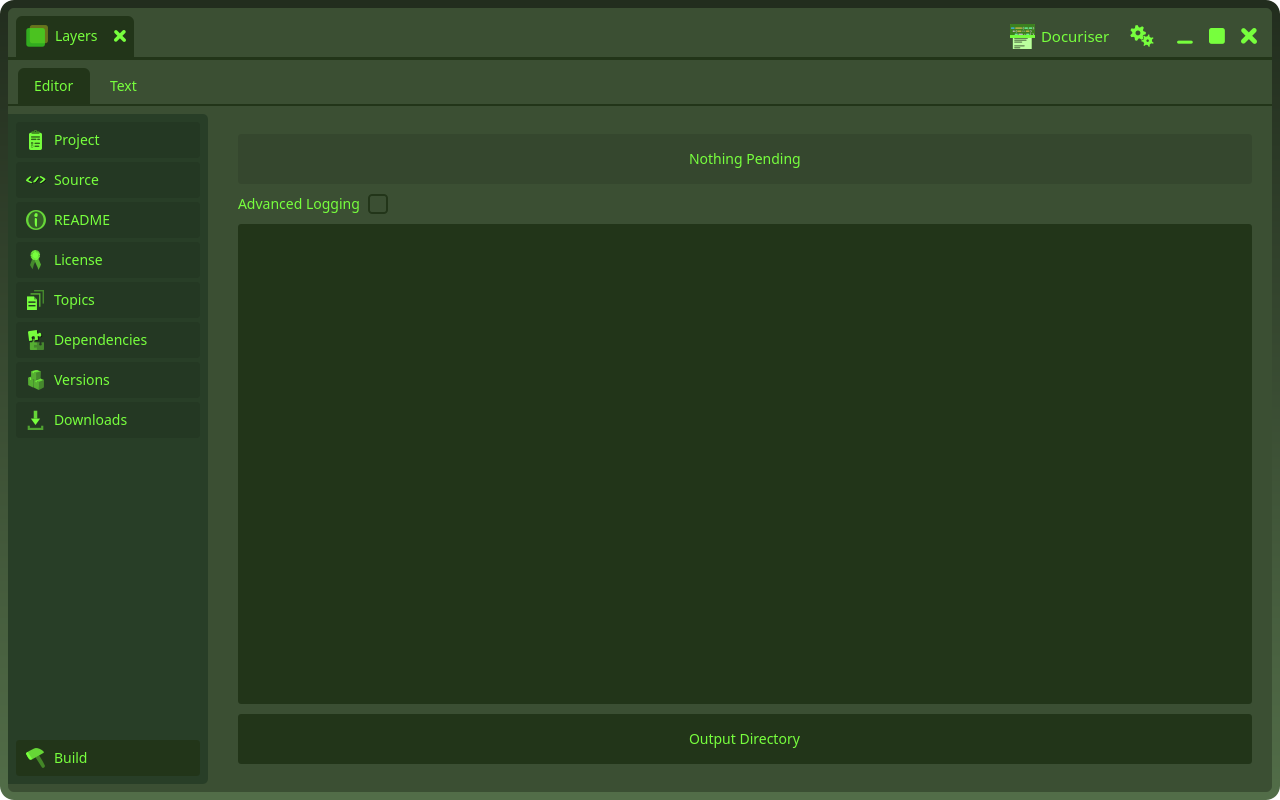
Build N Pending builds every pending version in one run, newest first. For each one, Docuriser snapshots the minor's latest patch tag into a temporary git worktree, builds the documentation bundle from that snapshot, records which tag it built (a .docuriser-built file in the output), and stamps the tag's date onto the version's release date. The log streams live (check Advanced Logging for the verbose lines), and the button counts back down to Nothing Pending as rows flip Complete.
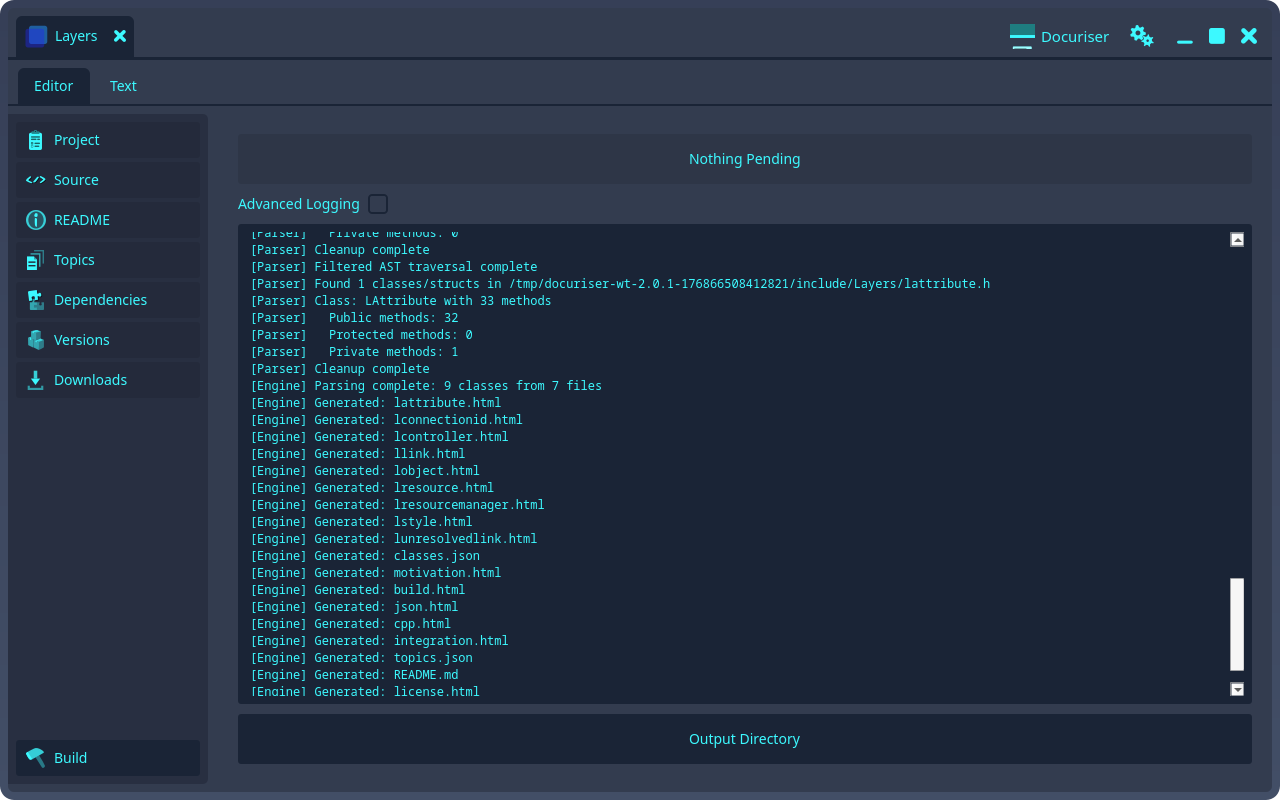
One requirement to know: a tag can only build if its snapshot carries the project's in-repo .docuriser manifest (the file that lists the README, license, topics, and include directories; see the configuration reference). Tags from before the manifest existed can't build: excluded is usually their permanent home, and the first manifest-carrying patch tag is what makes a minor buildable.
The bundle lands in versions/<label>/ beside the project config:
- the API reference, parsed by libclang from the manifest's include directories (for projects that declare
build.includes): a page per class and struct, a page per header, and theapi.jsonindex the sidebar's Classes, Structs, and Headers lists come from; - a page per topic, with their carried images and a
topics.jsonindex; - the README snapshot;
- the license snapshot (
LICENSE.md, copied from the manifest'sbuild.license) and its license page, so every version keeps the license it shipped under.
The same build scripts as docuriser-cli build <project-config>; see the CLI guide.
The patch flow
Documentation fixes to a released minor ship as a patch tag. The README and Topics editors edit your working tree, which only future tags see, so the flow is: edit, commit, tag 2.1.4, and the 2.1 row flips to Pending (the built docs are now stale relative to the tags). Build, and the same versions/2.1/ directory is rebuilt from the new tag. The release date follows the built tag, so the site always shows the date of what is actually published.
For a look at unreleased docs without tagging, the CLI keeps a dev escape hatch: docuriser-cli build <config> <label> --working-tree builds from the checkout as it sits. Its output honestly reads Pending until a real tag build replaces it.
What the site does with it
At site build, every included version with built output publishes under /<project>/docs/<label>/, and the project page gains its Documentation tab once at least one version is built. The newest built included version fronts the project automatically: its README on the landing page, its label on the download button, the docs tab's default, the update manifest's advertised tag, and the stable_release preset fact (see the projects guide). Building a new version is what fronts it; nothing is authored. The docs sidebar's switcher covers all published versions, and the .docuriser-built provenance never publishes; it stays beside the source output.
The build also emits docs/latest, a relative symlink beside the version directories pointing at the derived latest one, so /<project>/docs/latest/<page> is a stable, unversioned URL for every doc page (same directory depth, so the pages' relative links resolve unchanged). A host can then 301 bare /<project>/docs/<page> links onto it and evergreen docs links never need a version bump: each release retargets the symlink at the next deploy. Deploy with a symlink-preserving copy (rsync -a or tar both qualify; plain scp -r dereferences).